

From Spaghetti to State Machines: Meet PulseHSM
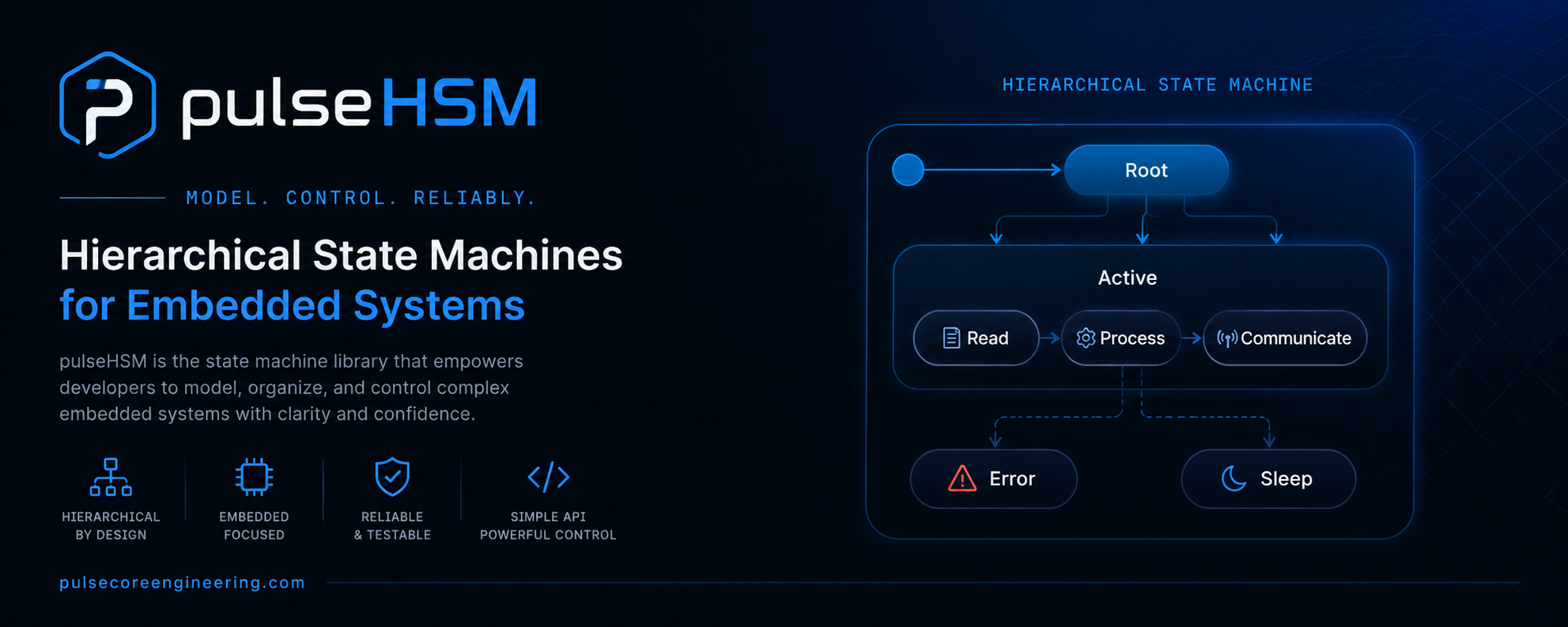
Every embedded project starts clean.
One loop(). A few if statements. Maybe a delay() here and there. It works, you are happy, you move on.
Then the project grows.
How the spaghetti begins
You add a button. So you add a flag: bool isRunning. Fine.
Then you add a sensor that can fault. Another flag: bool hasFault. Still fine.
Then someone asks for a warm-up period before the motor starts. Another flag: bool isWarmingUp. And a timer variable to go with it. And now your loop() looks like this:
void loop() {
  if (buttonPressed() && !isRunning && !hasFault) {
    isWarmingUp = true;
    warmupStart = millis();
  }
  if (isWarmingUp && millis() - warmupStart > 3000) {
    isWarmingUp = false;
    isRunning = true;
    motorOn();
  }
  if (isRunning && sensorFault()) {
    isRunning = false;
    hasFault = true;
    motorOff();
  }
  if (hasFault && resetPressed()) {
    hasFault = false;
  }
  // ...and this keeps growing every week
}
This is spaghetti code. Not because you wrote it badly — you wrote it exactly the way the problem asked you to. It became spaghetti because of how it grew.
Why it always ends up being a problem
Here is the part most people miss.
Every boolean flag you add does not add one new situation. It doubles the number of situations your code can be in.
- 1 flag = 2 possible states
- 3 flags = 8 possible states
- 5 flags = 32 possible states
With five flags, your machine has 32 possible combinations. But you only designed maybe 4 or 5 of them on purpose. The other 27 are accidents. They are combinations you never meant to allow — like isRunning == true and hasFault == true at the same time. Somewhere, on a bad day, your code will land in one of those broken combinations, and you will spend the whole evening asking “how did it even get here?”
That is the real cost of spaghetti firmware:
- You cannot look at the code and know what state the machine is in right now. The state is scattered across five variables.
- Adding one feature means touching five different
ifblocks, and hoping you did not break the others. - Timing logic (
millis()math) is copy-pasted everywhere. - You cannot hand the code to a teammate without a long explanation.
The code did not get complicated because your machine is complicated. It got complicated because the structure is wrong.
The idea: name your states
A machine like this actually has very few real states. Look again:
Idle → Warming Up → Running → Fault → (back to Idle)
That is it. Four states. The mess only appeared because we described those four states using a pile of booleans instead of saying them directly.
A state machine flips this around. Instead of asking “which flags are true?”, you say directly: “I am in the Running state.” One variable. One answer. Always clear.
A hierarchical state machine (HSM) goes one step further. It lets states have a parent. So states can share behavior. If ten states all need to handle an emergency-stop the same way, you write that once in the parent, and every child inherits it. No copy-paste.
This is what PulseHSM gives you — a small, fast hierarchical state machine library for Arduino, ESP32, and other embedded targets. It is a product of PulseCore Engineering.
How PulseHSM solves it
With PulseHSM, you describe your machine as a list of states. Each state has up to three simple jobs:
- entry — runs once when you enter the state (turn the motor on)
- update — runs every loop while you are in the state (do the work)
- exit — runs once when you leave the state (turn the motor off)
Here is the same machine from the top of this post, but clean:
#include "PulseHSM.h"

PulseHSM machine;

// Index of each state = the order you add it below.
enum { IDLE, RUNNING, FAULT };

void idleUpdate() { /* wait for the start button */ }

void runEntry()  { motorOn();  }
void runUpdate() { /* do the actual work */ }
void runExit()   { motorOff(); }

void setup() {
  //                name       update      entry     exit     timeout  next  onEvent
  machine.addState("Idle",    idleUpdate, nullptr,  nullptr,  0,       -1,   nullptr);
  machine.addState("Running", runUpdate,  runEntry, runExit,  0,       -1,   nullptr);
  machine.addState("Fault",   nullptr,    nullptr,  nullptr,  0,       -1,   nullptr);

  machine.begin(IDLE);
}

void loop() {
  machine.update();   // that is the whole loop
}
To move between states, you just ask:
machine.transitionTo(RUNNING);Notice what is gone: no flags, no isRunning, no hasFault. The state is the answer. And motorOn() / motorOff() live in exactly one place each — the entry and exit of Running. You can never forget to turn the motor off, because leaving the state does it for you.
TIP
transitionTo()does not switch instantly. It is deferred — the switch happens cleanly at the end ofupdate(). This means you can call it safely from anywhere without the machine changing under your feet mid-function.
The engineering under the hood
The API is simple on purpose. But the useful part is what happens inside. Here is what makes PulseHSM safe to run on a small microcontroller.
1. No heap. No new. No surprises.
Everything lives in fixed-size arrays that are decided at compile time:
#define PULSEHSM_MAX_STATES 8
#define PULSEHSM_MAX_EVENTS 8
#define PULSEHSM_MAX_DEPTH  4
There is no dynamic memory allocation anywhere in the library. On a microcontroller, malloc/new can fragment your tiny RAM and cause a random crash three weeks later. PulseHSM avoids all of that. The memory it uses is known before your program even runs. This is a core rule across the whole Pulse ecosystem: no heap, no dynamic allocation, deterministic behavior.
2. Events, not polling
Instead of constantly checking if (buttonPressed()) all over your loop, you send an event and let the current state decide what to do with it:
machine.sendEvent(EVT_START);Events go into a small ring buffer and are handled at the top of the next update(). This is important: sendEvent() is safe to call from an interrupt (ISR). A button interrupt can drop an event into the queue, and the machine will pick it up in the main loop — no shared-variable race conditions to debug.
You can even attach a small payload to an event and read it inside the handler:
machine.sendEvent(EVT_SET_SPEED, 1200);   // send a value

bool onEvent(uint8_t e) {
  if (e == EVT_SET_SPEED) {
    int speed = machine.getEventData();     // read it back: 1200
    setMotorRpm(speed);
    return true;   // handled
  }
  return false;    // not mine — let it bubble up
}
3. Hierarchy that removes copy-paste
This is where the “H” in HSM earns its place.
Say you have Idle and Running, and both must drop into Fault the moment the emergency stop is pressed. Without hierarchy, you write that E-stop check in both states. With ten states, you write it ten times — and forget it in the eleventh.
With PulseHSM, you write it once, in a shared parent:
enum { OPERATIONAL, IDLE, RUNNING, FAULT };
enum { EVT_ESTOP = 1 };

// Handler on the PARENT state
bool operationalEvents(uint8_t e) {
  if (e == EVT_ESTOP) {
    machine.transitionTo(FAULT);
    return true;                 // handled here for everyone
  }
  return false;
}

void setup() {
  machine.addState("Operational", nullptr, nullptr, nullptr, 0, -1, operationalEvents);
  machine.addState("Idle",    idleUpdate, nullptr,  nullptr, 0, -1, nullptr, OPERATIONAL);
  machine.addState("Running", runUpdate,  runEntry, runExit, 0, -1, nullptr, OPERATIONAL);
  machine.addState("Fault",   nullptr,    nullptr,  nullptr, 0, -1, nullptr);

  machine.begin(IDLE);   // start in a leaf; parents are entered automatically
}
Now Idle and Running both inherit the E-stop, because they are children of Operational. When an event arrives, PulseHSM tries the current state first. If that state does not handle it, the event bubbles up to the parent, and up again, until someone handles it. You write shared behavior in one place and never repeat yourself.
4. Clean transitions between branches
When you move from one state to another, PulseHSM does not blindly exit everything and re-enter everything. It finds the lowest common ancestor — the shared parent both states have — and only exits and re-enters the states that actually change.
In plain terms: if you move between two states that share the same parent, that parent is not torn down and rebuilt. Its resources stay set up. Only the parts that genuinely change run their entry and exit code. This is the same rule real UML statecharts follow, and it keeps your entry/exit logic honest.
5. Timeouts without timer variables
Remember the warmupStart = millis() and the millis() - warmupStart > 3000 from the spaghetti version? You never have to write that again. A state can time out on its own:
//               name      update       entry        exit       timeout  next
machine.addState("Warmup", warmupUpdate, warmupEntry, nullptr,  3000,    RUNNING, nullptr);
After 3000 ms in Warmup, the machine moves to RUNNING automatically. No timer variable, no manual math, no place to get it wrong.
WARNING Your entry / update / exit functions run inside the main loop. Keep them fast and never put a
delay()inside them — a blocking call freezes the whole machine, including its events and timeouts.
A few small notes so your first machine works
- The index of a state is the order you add it. The first
addStateis index 0, the next is 1, and so on. Keep yourenumin the same order and life is easy. begin()should start on a leaf state (one with no children). Its parents are entered for you automatically.- The whole
loop()is justmachine.update(). Everything else lives inside your states.
Where this goes next
That is PulseHSM at a high level: name your states, give each one an entry / update / exit, send events instead of polling, and let hierarchy kill the copy-paste. No flags. No heap. No mystery about what your machine is doing right now.
In the next post we will build a complete, running example end to end — a real machine with warm-up, running, fault, and recovery — and walk through every transition step by step. We will also look at reading getPreviousState(), checking isInHierarchy(), and structuring bigger machines without them turning back into spaghetti.
PulseHSM is built by PulseCore Engineering. If you have ever lost an evening to a loop() that grew too many flags, this library was written for you.
Related posts
Comments
Enjoyed this tutorial?
Get new ESP32, Arduino, and industrial IoT tutorials straight to your inbox — no spam, unsubscribe anytime.